In alignment with our commitment to transparency and integrity, we want to clearly disclose that product prices and descriptions may vary on the websites of our retail partners.
We encourage you to visit the retailer's site directly for the most current images, products, prices, and descriptions.
It's important to us that you're informed Zeppy may receive compensation for some listings featured on our site.
Additionally, we want to be upfront about our use of affiliate links; our affiliations, including but not limited to the eBay Partner Network, support our mission to provide valuable content and offerings to you.
✅ AV-OUT for Headrest Monitors Share video content to rear seat monitors, enhancing passenger entertainment on long journeys.
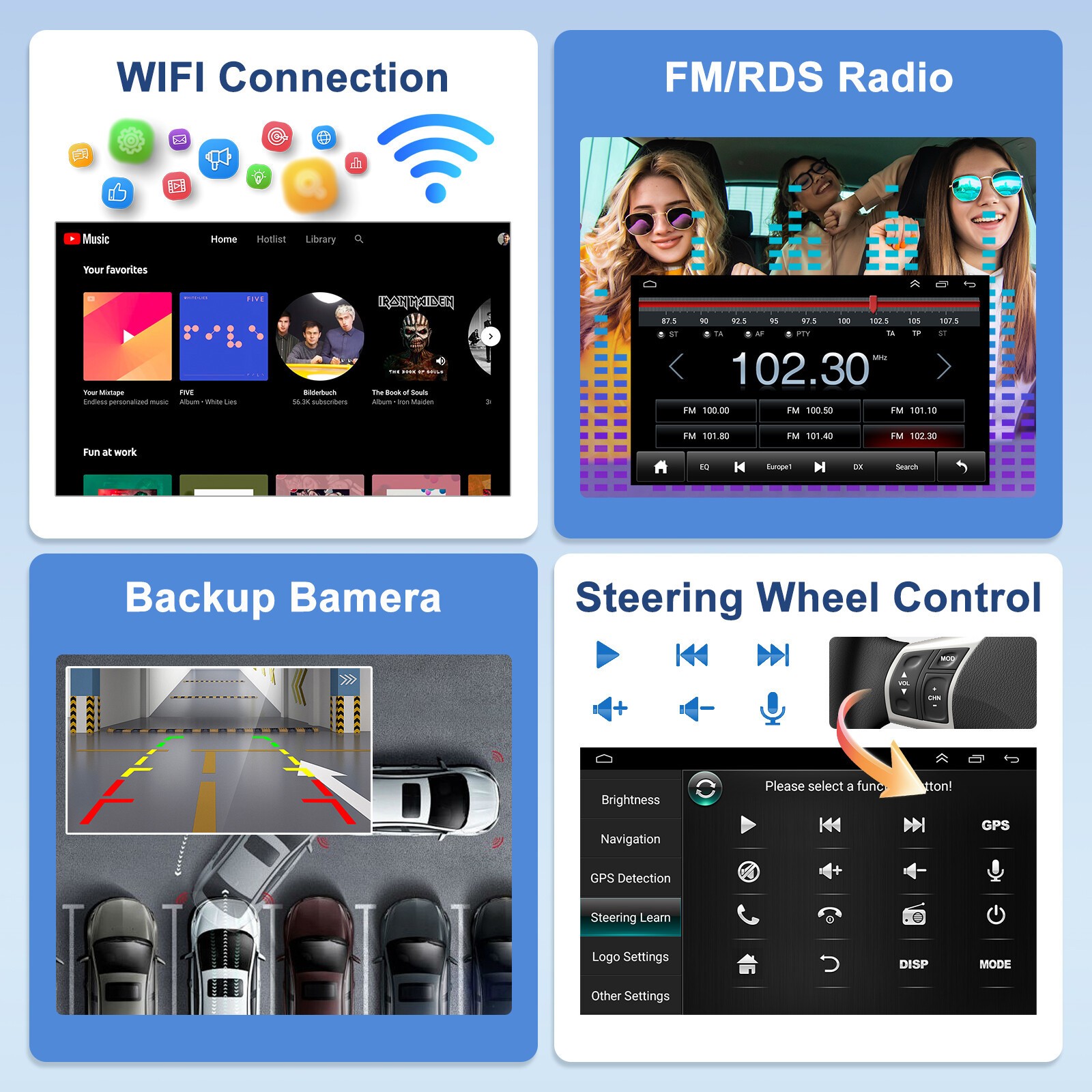
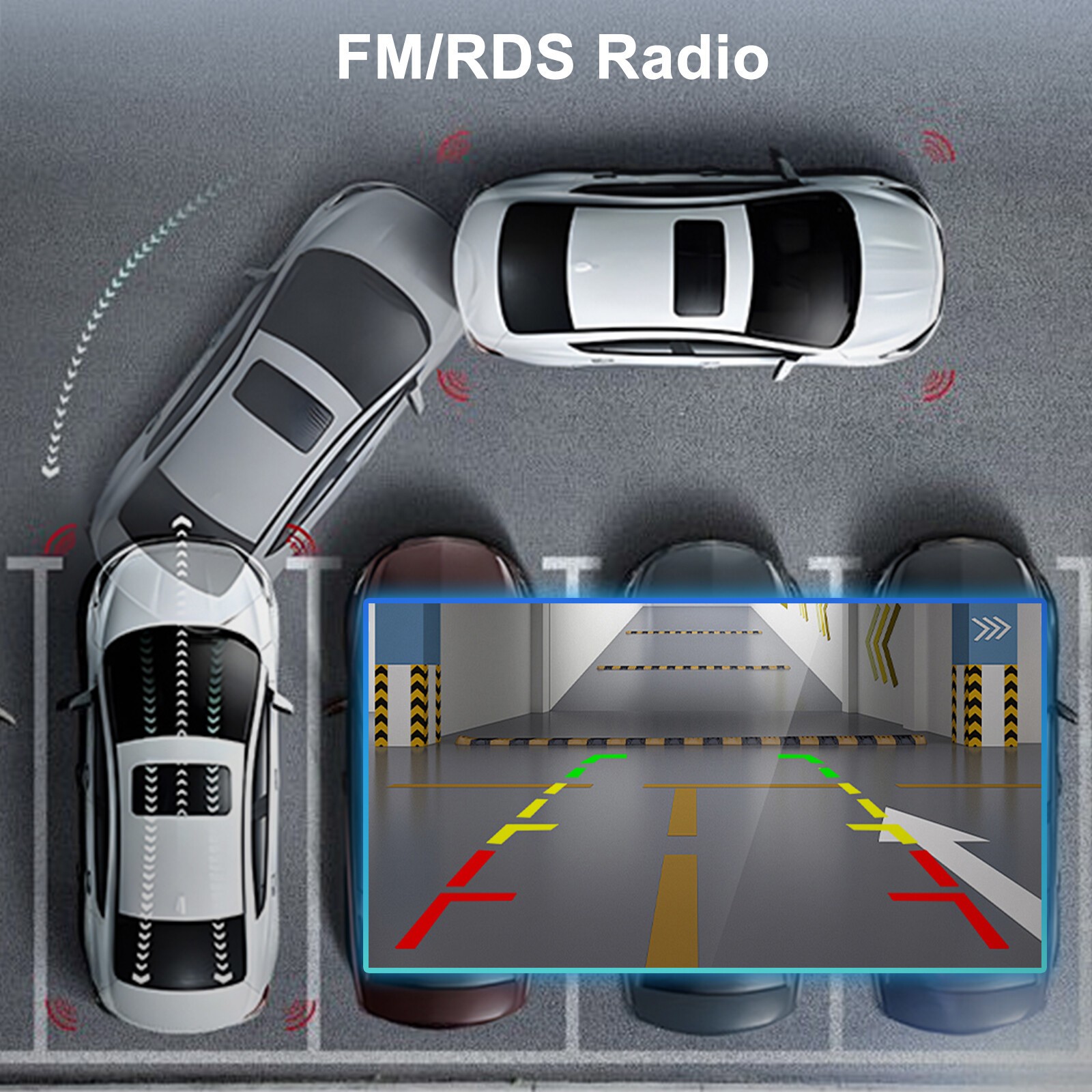
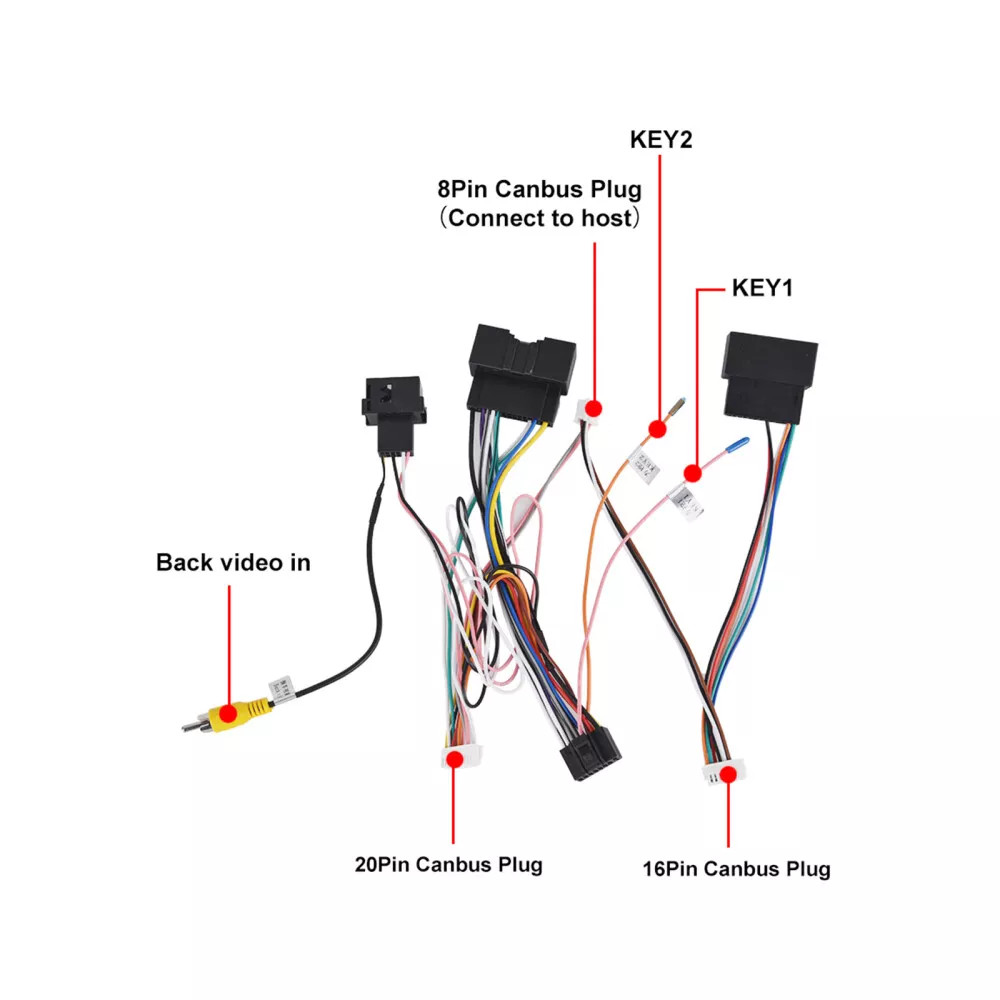
✅ Rear View Camera Support View rear camera feed while driving or automatically switch to reverse mode when in reverse gear. (Camera sold separately)
✅ Tire Pressure Monitoring Support Works with external TPMS sensors (sold separately). Monitors real-time tire pressure and alerts for safety.
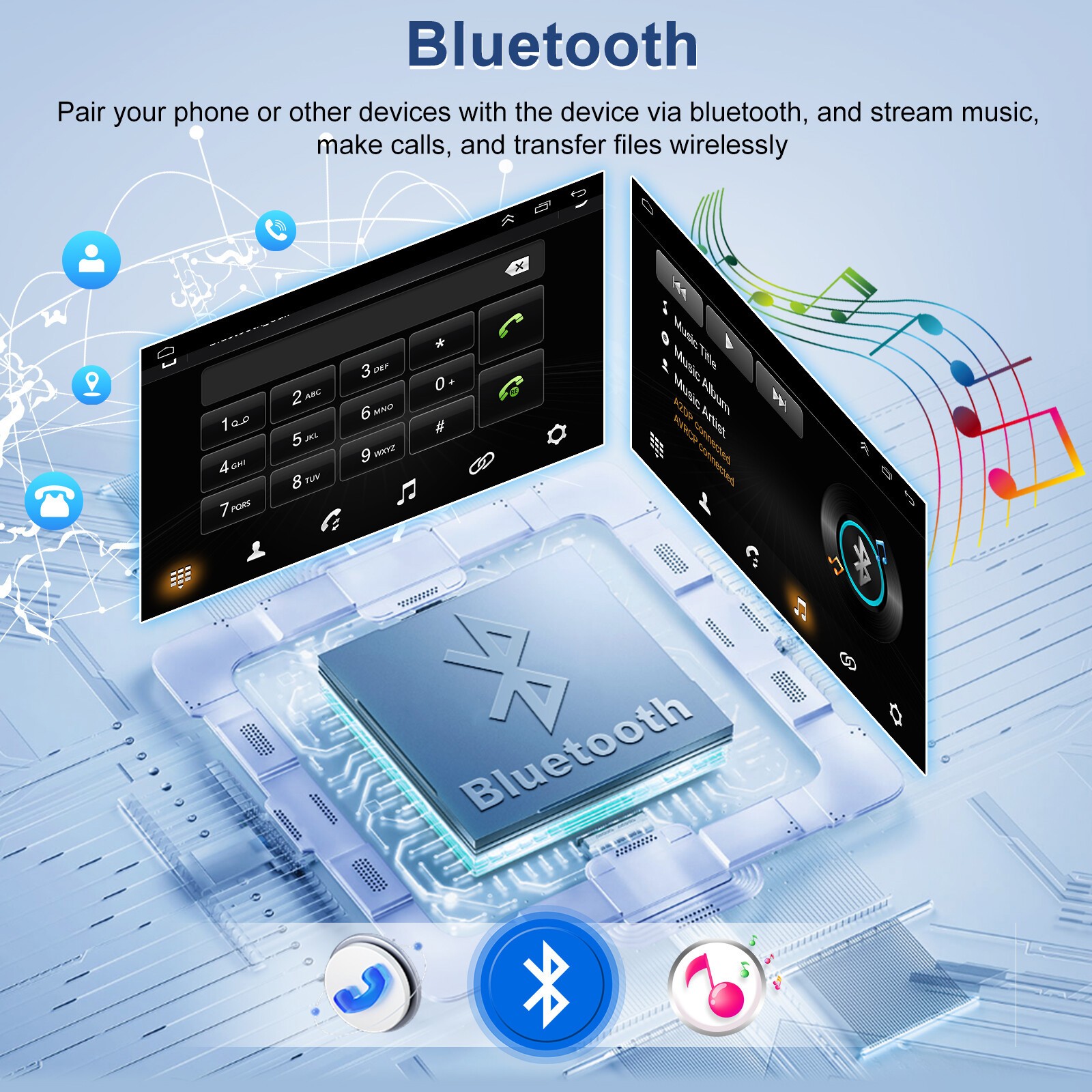
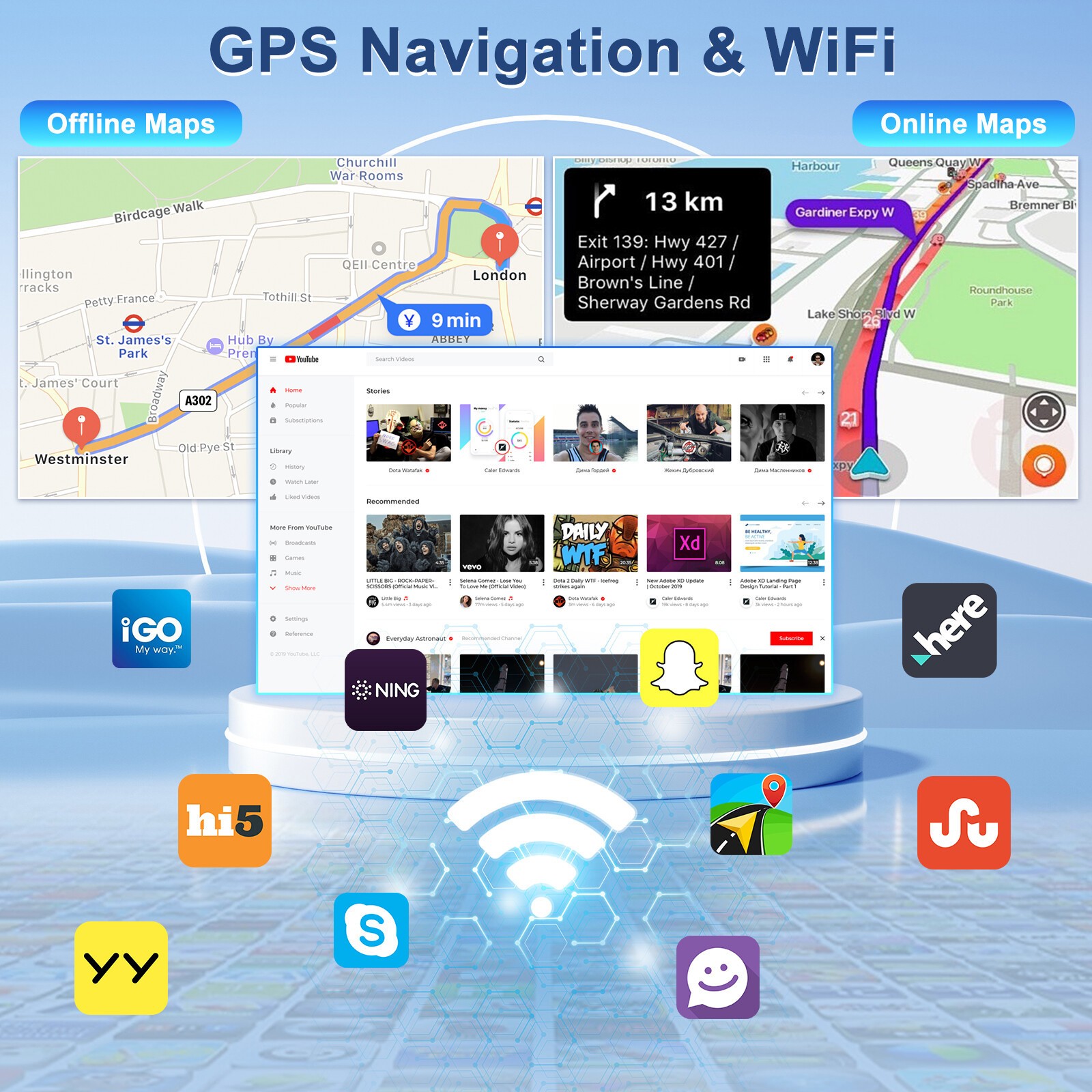
✅ WiFi & Bluetooth Connectivity Connect to WiFi for apps, maps, and updates. Use Bluetooth for hands-free calls, audio streaming, and phonebook sync. (Requires contact sync permission)
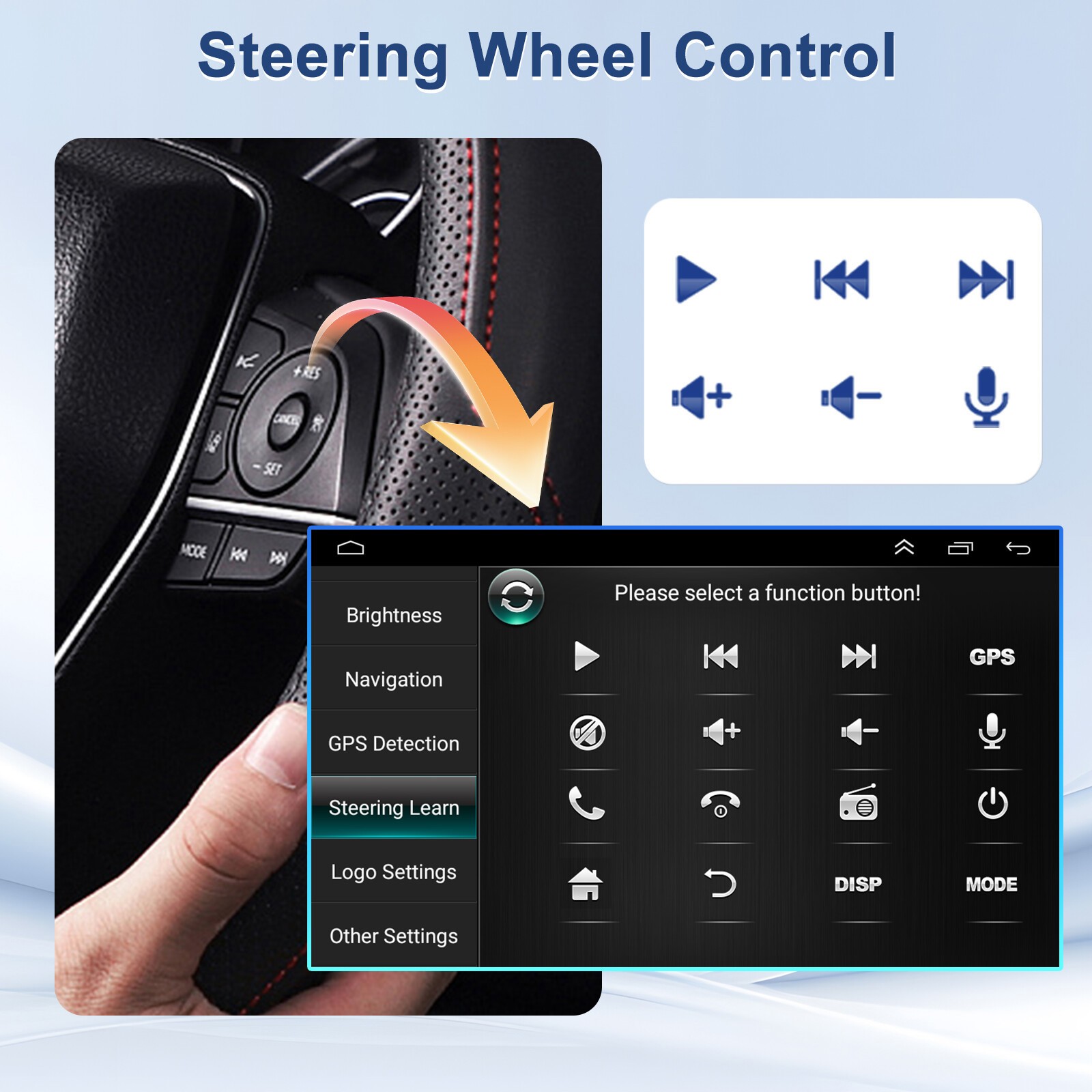
✅ Steering Wheel Control Retain factory steering wheel buttons for safe and convenient access to core functions.
✅ Split Screen Functionality Display navigation and music or other apps side-by-side for efficient multitasking on the road.
Specifications
System: Android 13
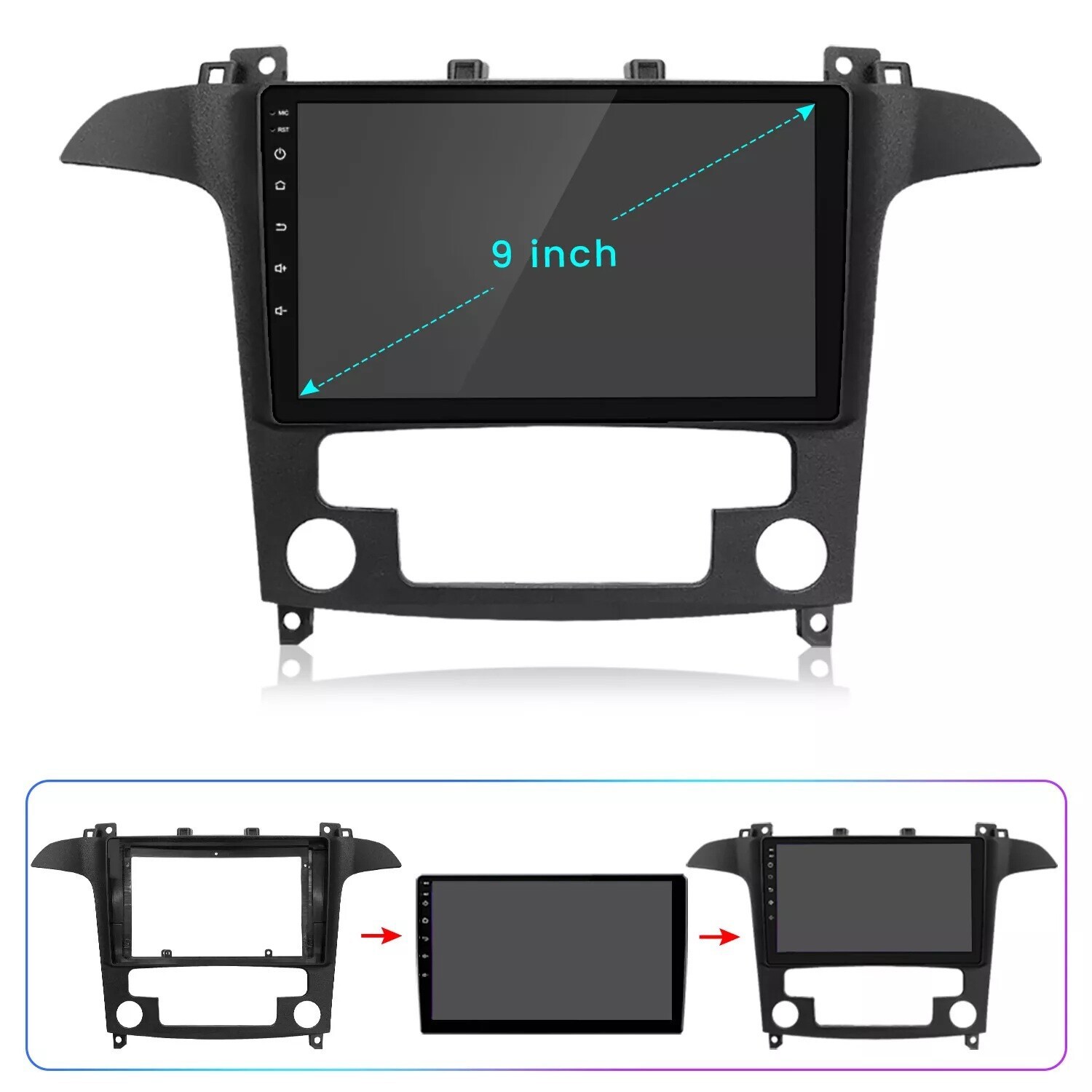
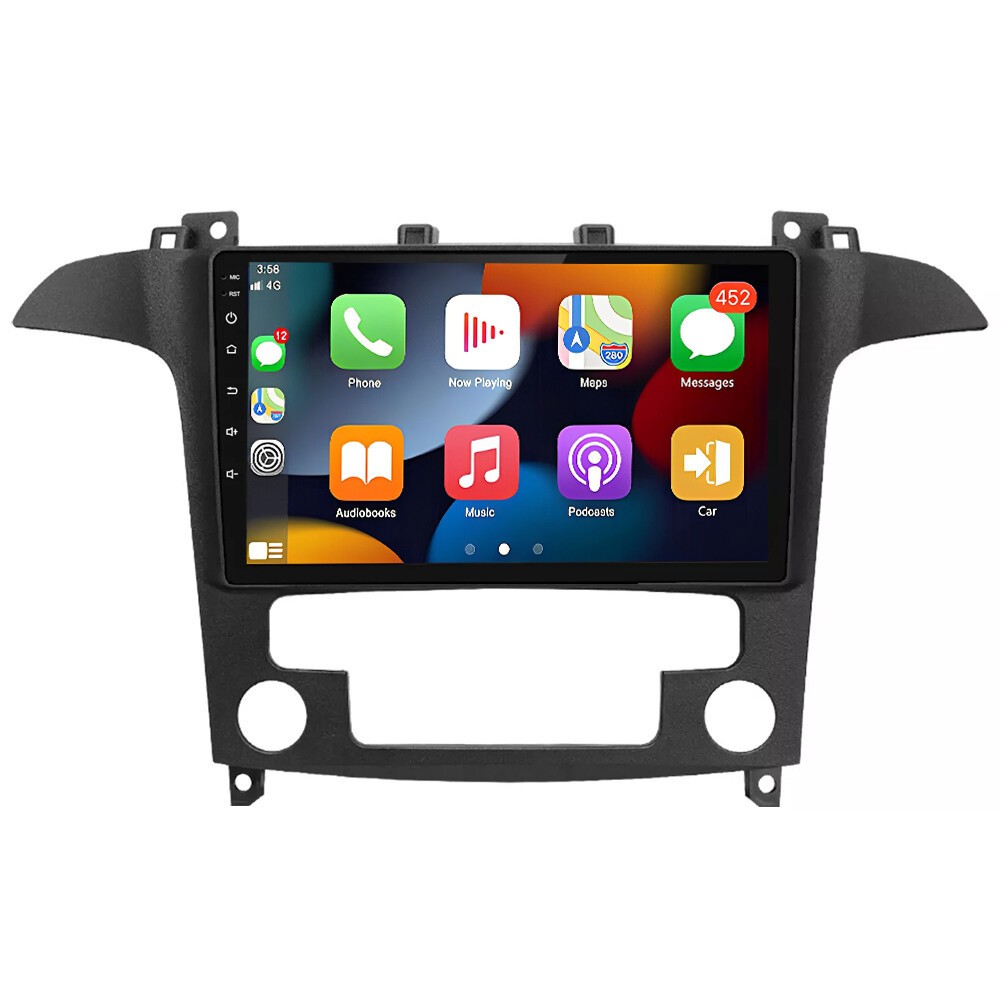
Display: 9-inch HD touchscreen
Resolution: 1280 × 720
RAM/ROM: 2GB RAM + 32GB Storage
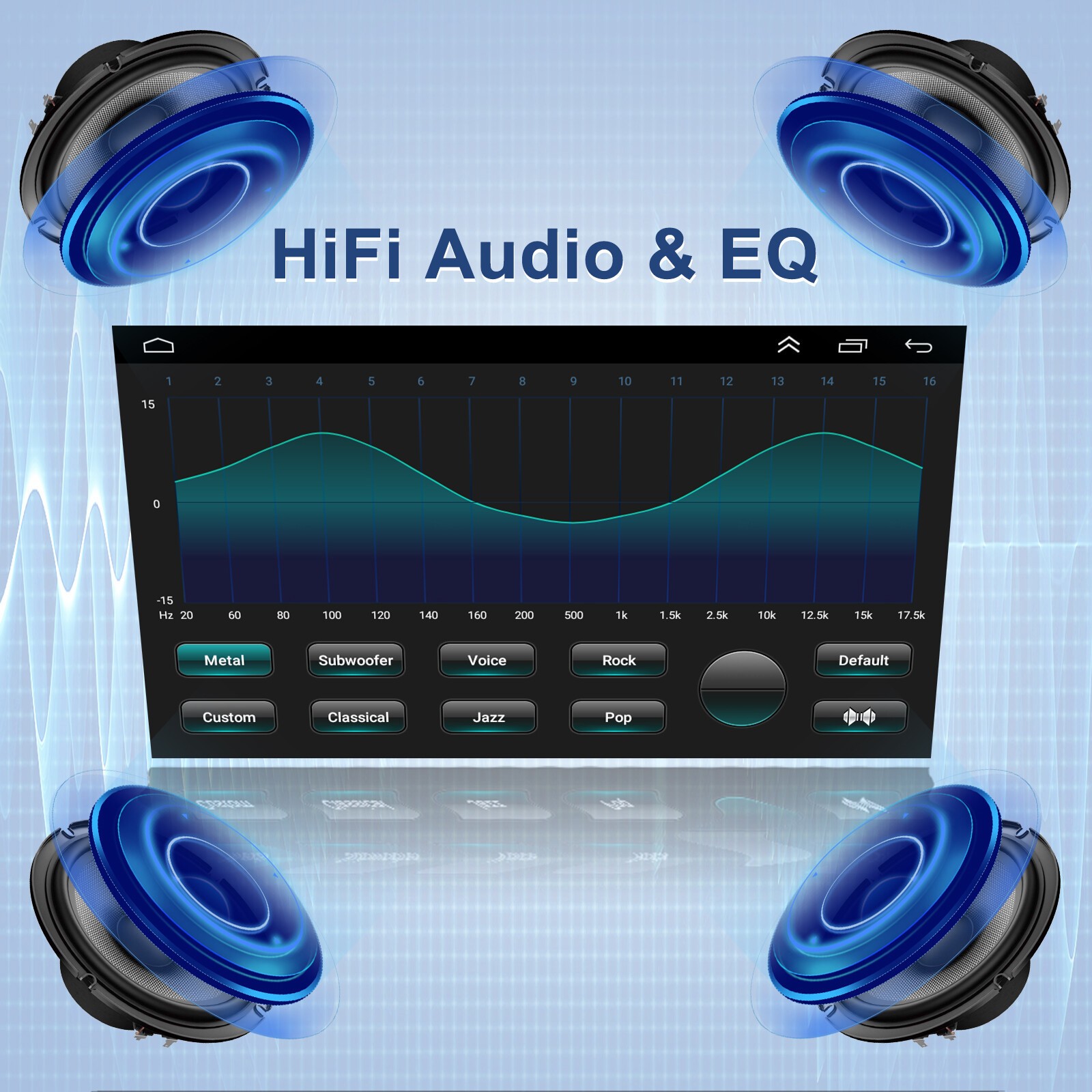
Output Power: 4 × 35W
Voltage: 12V
Rear Camera Input: Supported (AHD/CVBS compatible)
AV-OUT: Yes (connect to headrest monitors)
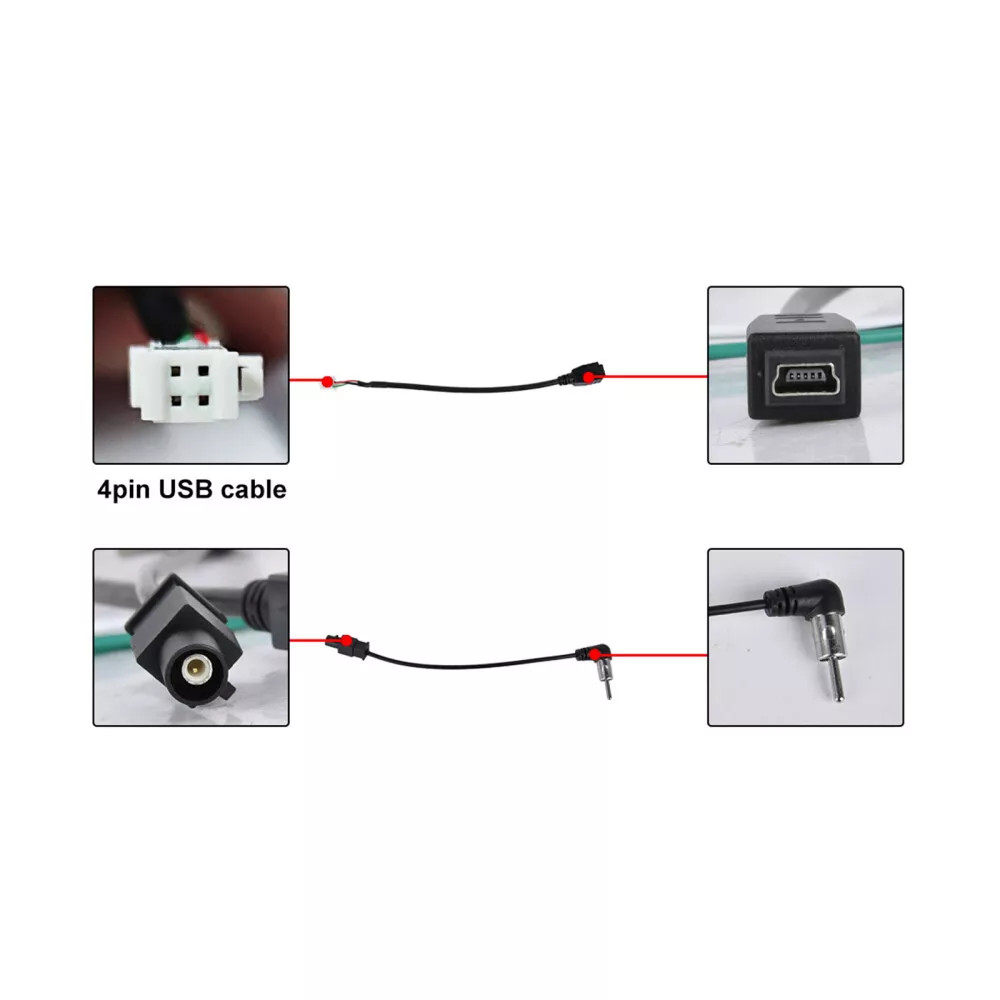
TPMS Input: Supports USB-based external sensors
WiFi: Built-in
Bluetooth: Hands-free calling, phonebook, music
Split Screen: Supported
Steering Wheel Control: Supported
Language Support: Multilingual UI
Video Formats: MKV, MP4, AVI, RMVB, etc.
Audio Formats: MP3, FLAC, APE, WMA, WAV, etc.
✅ Vehicle Compatibility
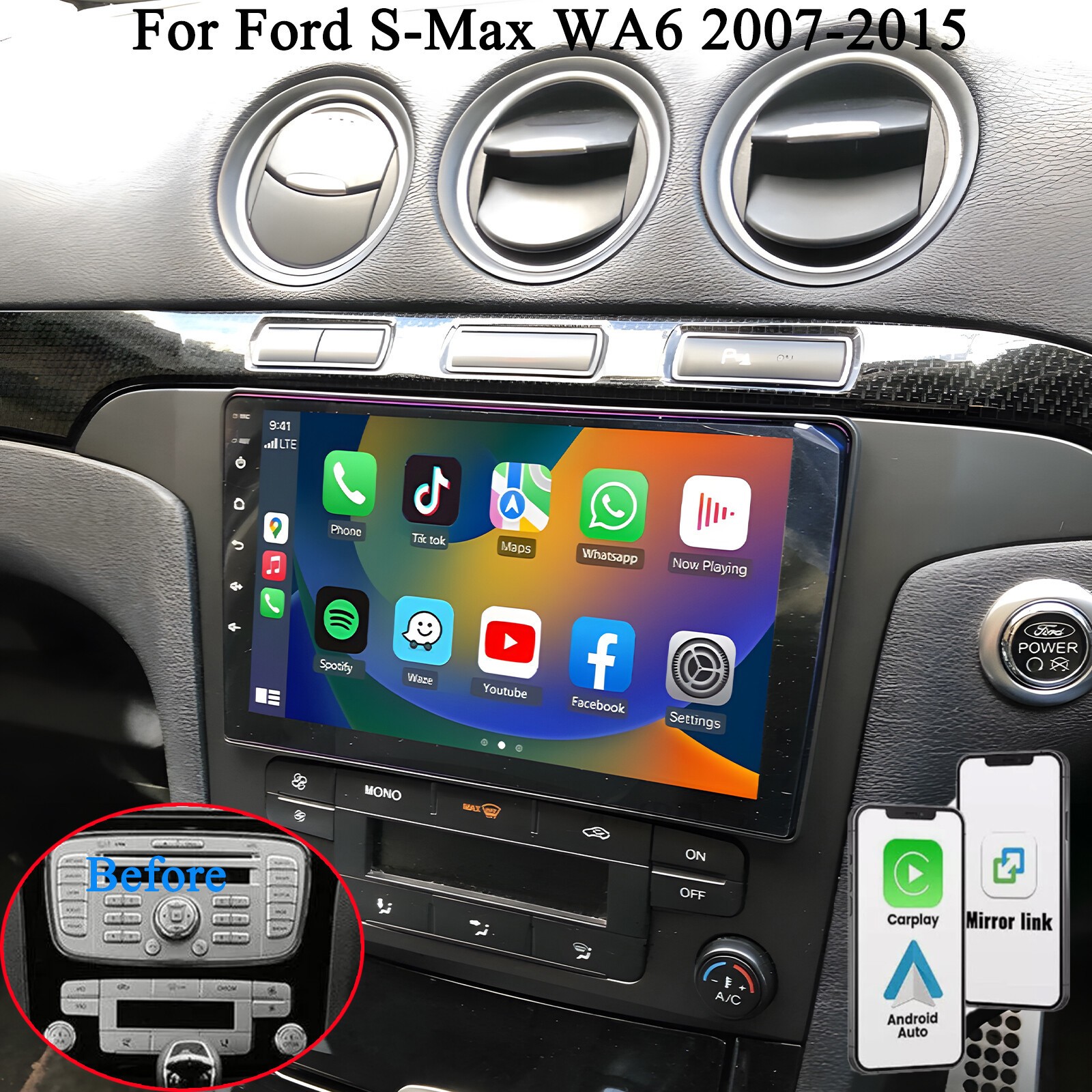
✔ Custom fit for Ford S-Max (2007–2008)
✔ 2 DIN installation – maintains OEM appearance
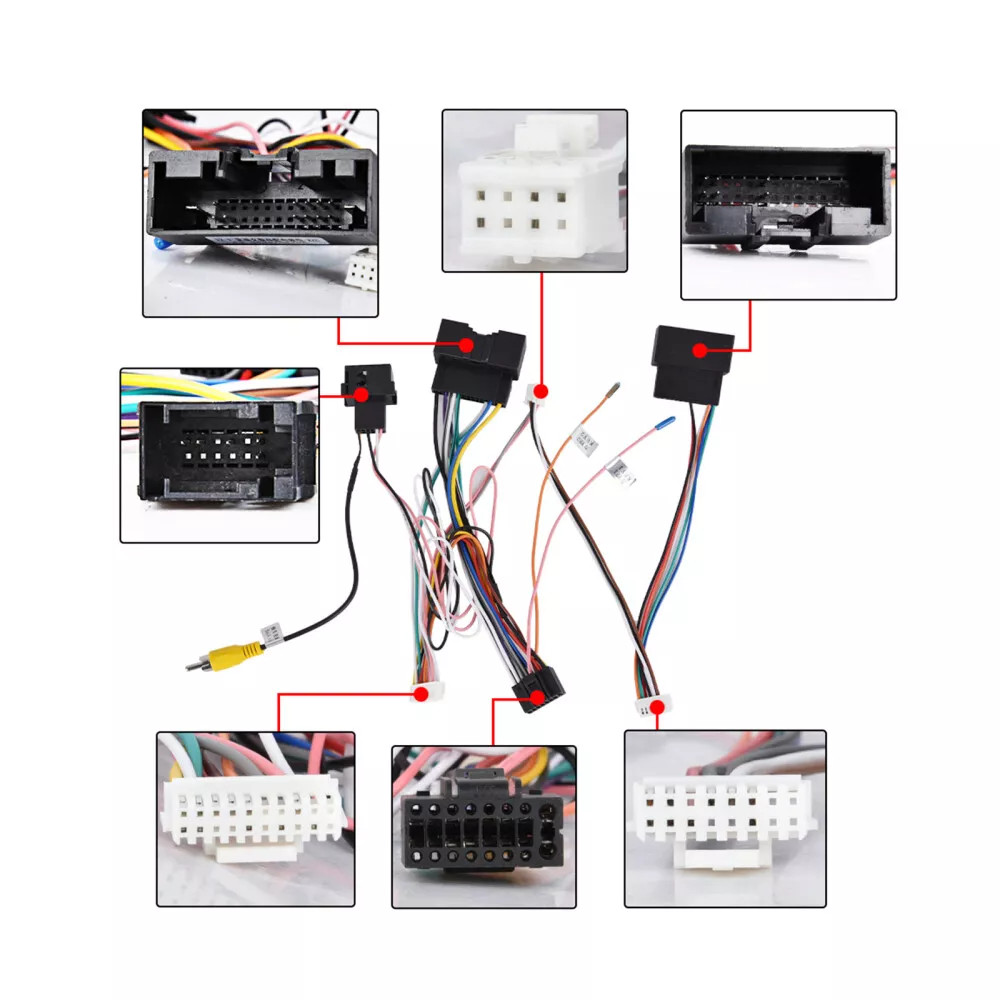
✔ Check plug type before ordering to ensure compatibility
Package Includes:
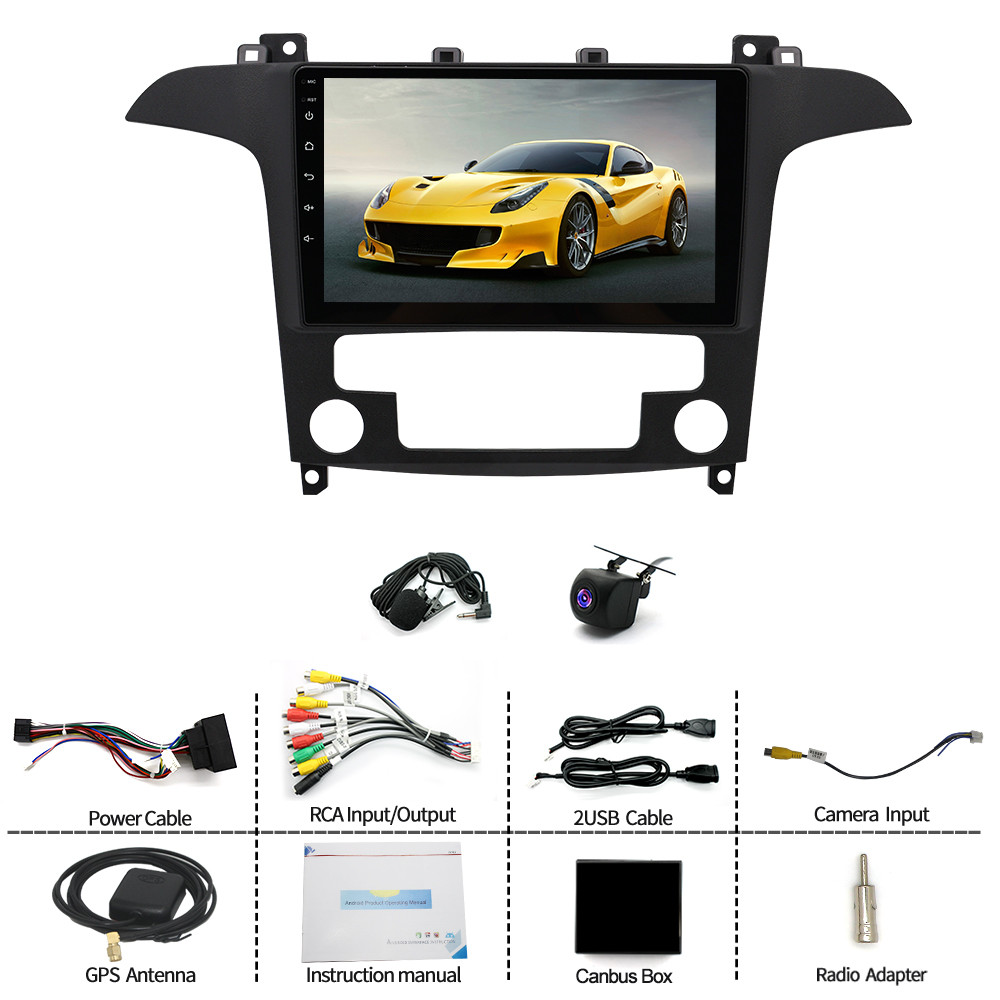
1 × 9" Android Car Stereo
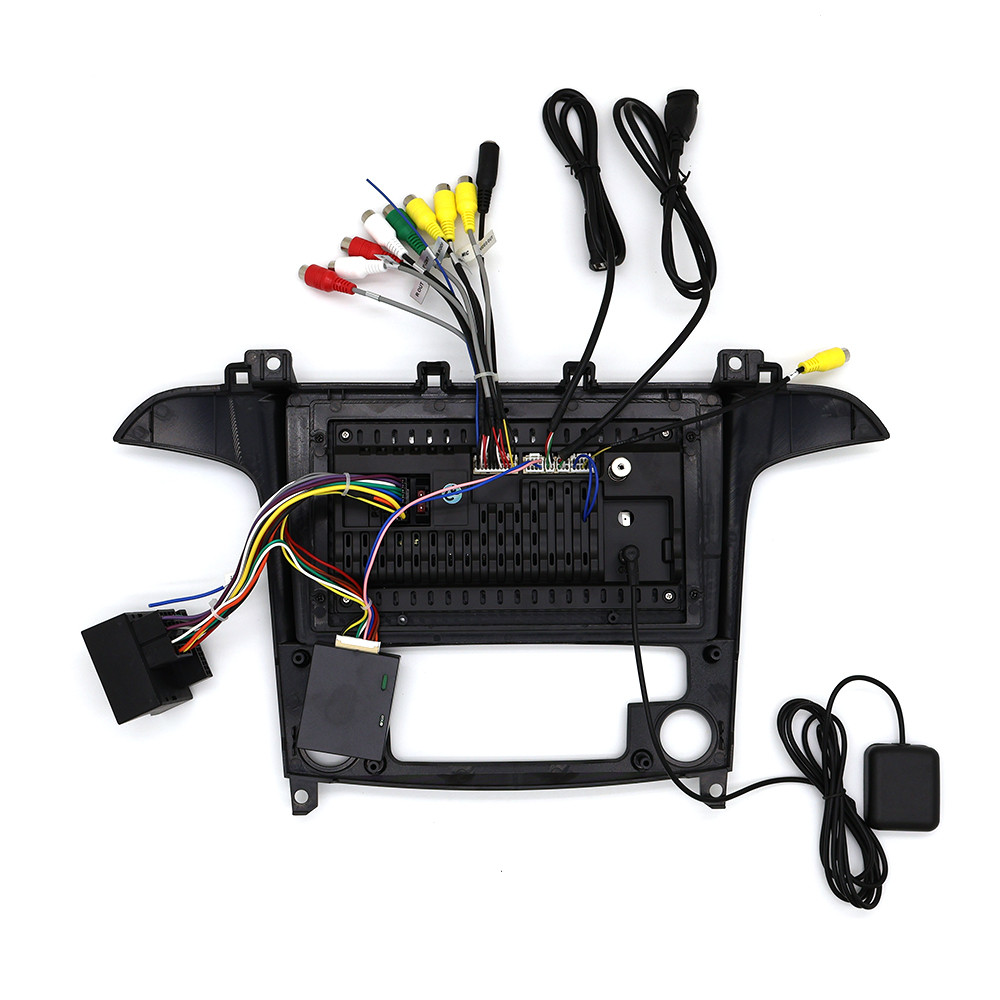
Power Cable Set
1 × User Manual
⚠️ Please Note
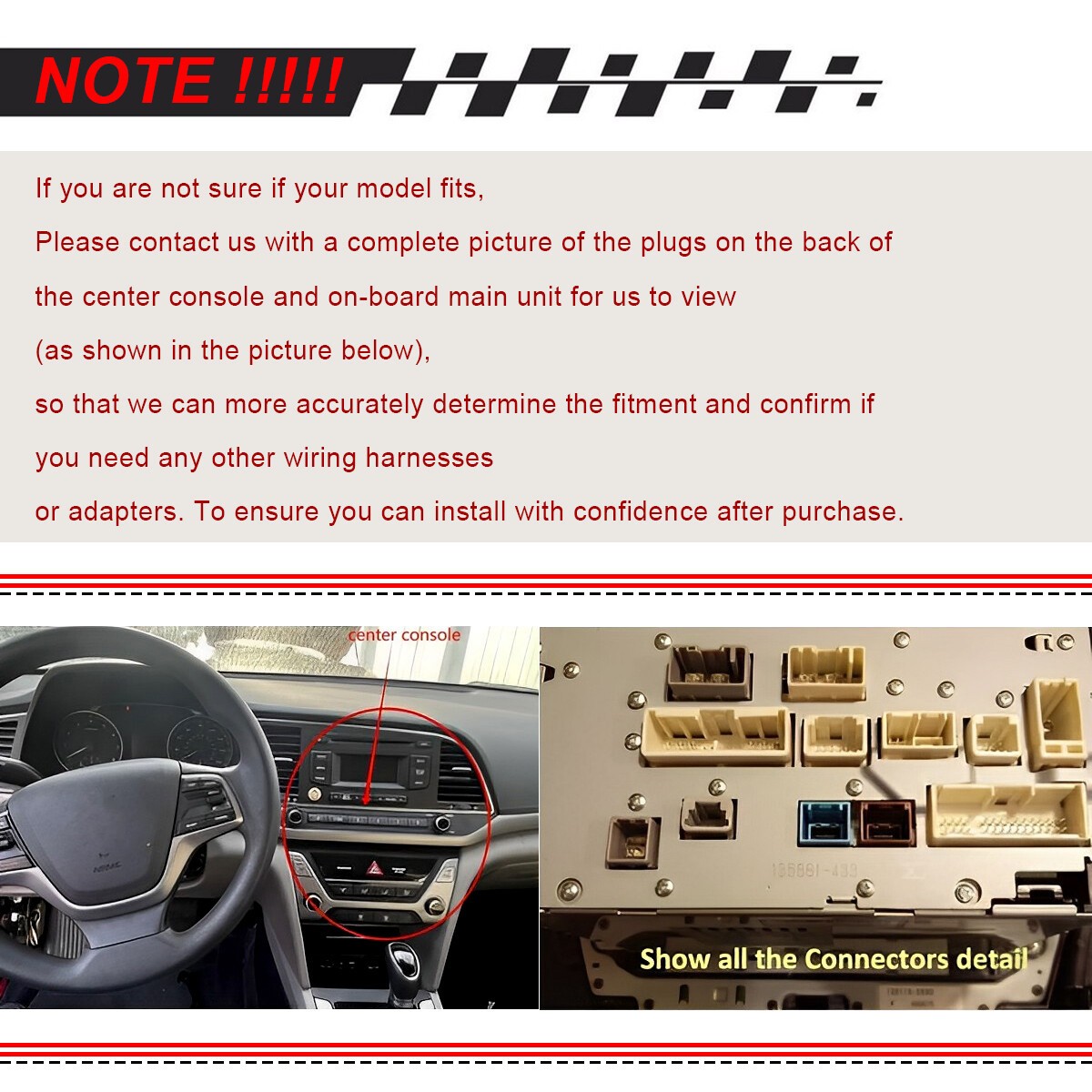
Check your vehicle plugs and dashboard size before placing your order.You may send us a photo of your factory stereo and plugs for compatibility confirmation.
Tips:
Q1. Why can't turn on the car radio ?
Please check the Voltage of car radio: 12V When you test this car radio,you can combine the red and yellow wires and connect them to the positive side of the power supply.Black line to negative power supply.Replace the same type of insurance to test the car radio. Note: Please must use our power cables to connect our car radio,it is not possible to insert the original car plug directly into our machine.
Q2. Why the car radio will show "No Signal" when we reversing?
Please check if the camera's line is properly connected to the car radio. Note: The video port of rear camera must insert the "CAMIN" port of car radio.
Q3. Why does the camera display "!" and "Can't watch video while driving" when I use USB to watch videos?
Please turn off the "Video Warning" function in the settings,then will be OK.
Q4. Why can't search FM?
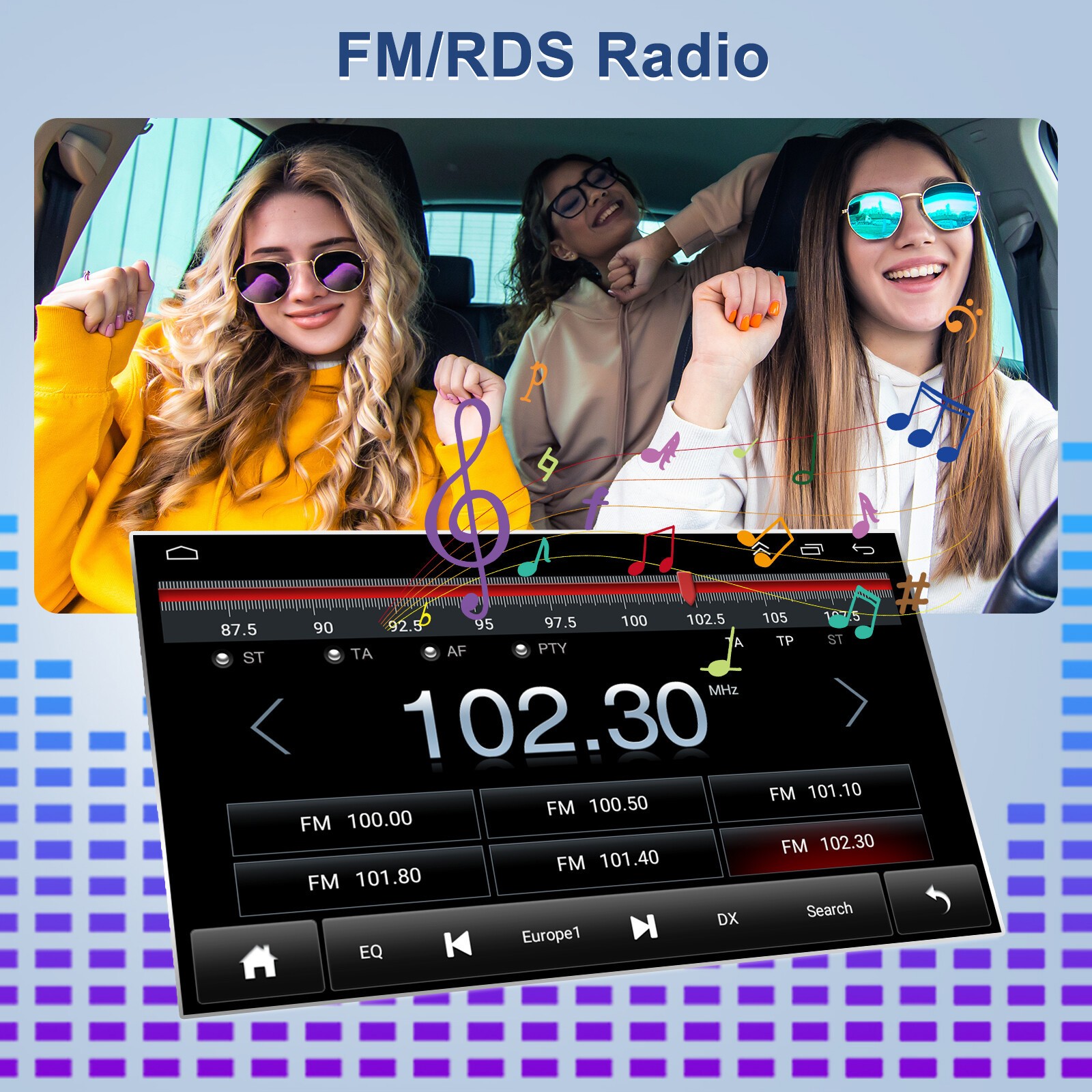
No radio antenna inserted. Please check if the radio antenna is plugged in. Please insert more antennas several times to make it well contacted. The signal of your location is not good. Please go to a better place to test again. The radio antenna on the car is broken/no effect; please replace the radio antenna and test again.
Q5. Why can't connect the Bluetooth of car radio?
Open the phone settings interface, open the Bluetooth in the Bluetooth function, search for Bluetooth devices, find the player's Bluetooth model to be paired; if you need a pairing code, enter 0000; if not, try 1234 or 123456. Please try to use another mobile phone to test this function. All methods are correct and still cannot use Bluetooth, Please unplug the plug on the back of the player and plug it in after 3 minute.
Disclaimer: Prices and descriptions maybe different on retailers sites, please check the retailers website for the latest images / products / prices and descriptions. Zeppy maybe compensated for some of these listings.
When you click on links to various merchants on this site and make a purchase, this can result in this site earning a commission. Affiliate programs and affiliations include, but are not limited to, the eBay Partner Network.

 Wait a moment... we're getting more products!
 uk
uk  fr
fr de
de es
es it
it us
us ca
ca


